PHYSICAL SANDBOX / WEBXR

Place a robot first

Virtual robots in a real space

Physical Sandbox is a WebXR sandbox where you place robots in a real space at real size and try moving them. Use it from a smartphone, a tablet, a PC or a VR headset.

Try it free

Free / Sign in with a Google account

EXPERIENCE

β€œWhat if a robot were here?” Find out on the spot

A catalogue or a video cannot show how big a robot is or how it feels to have it near. With Physical Sandbox, you can call a robot into the space you are in now.

Place one in this space

PLACE / MOVE / CONTROL

Place it, move it, touch it

PLACE

Place

Choose a robot and put it anywhere in your real space.

MOVE

Move

A robot that can move will move around your real space.

CONTROL

Control

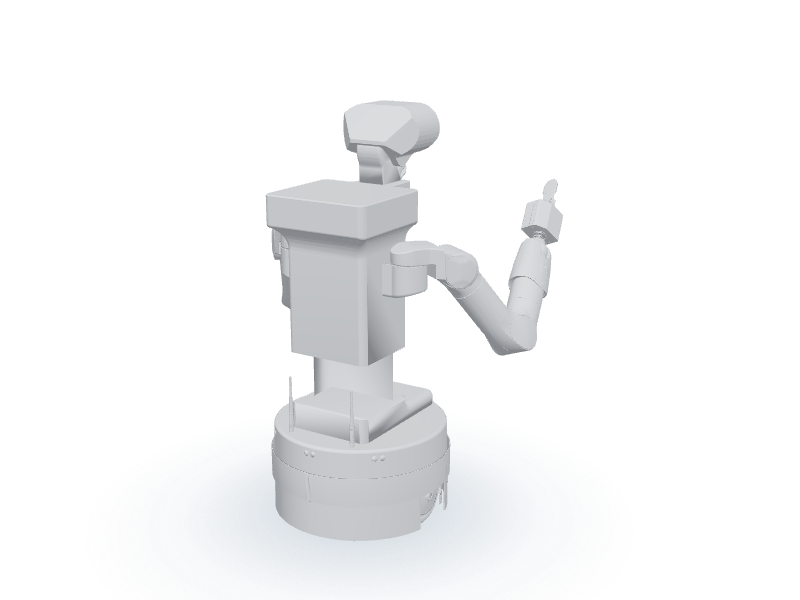
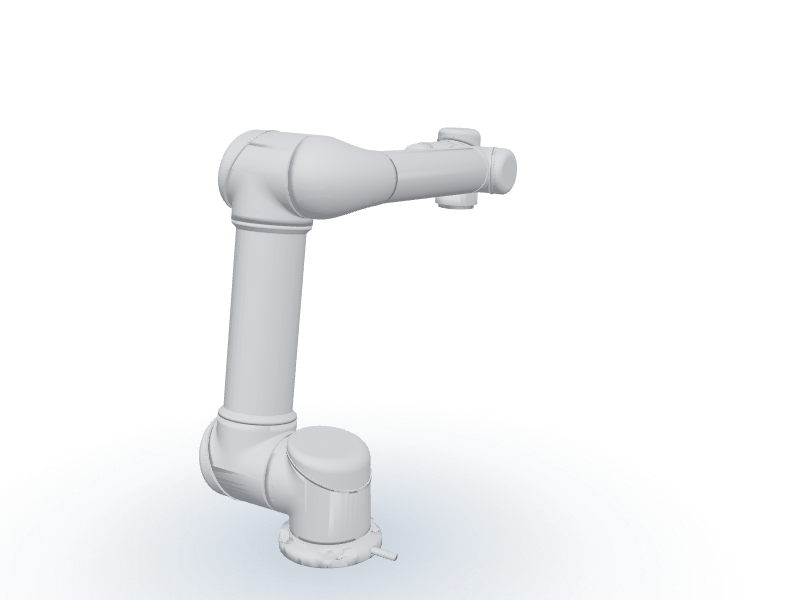
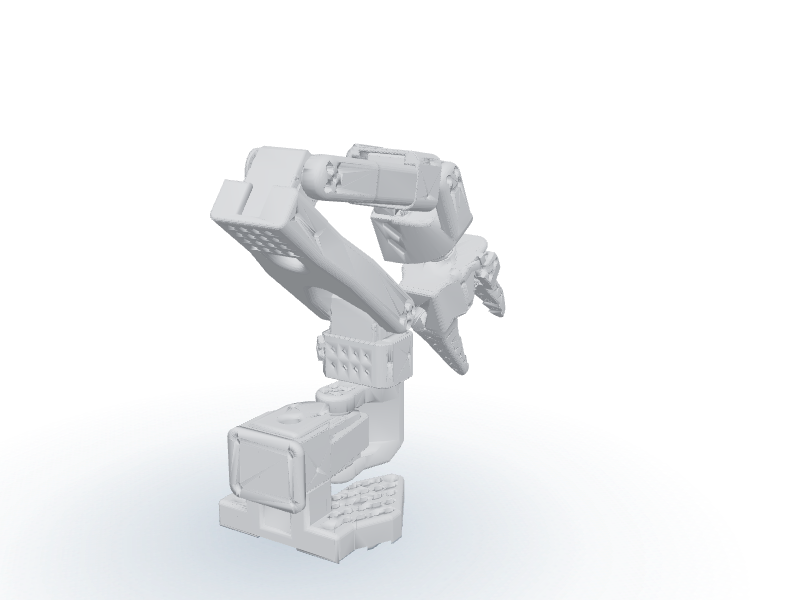
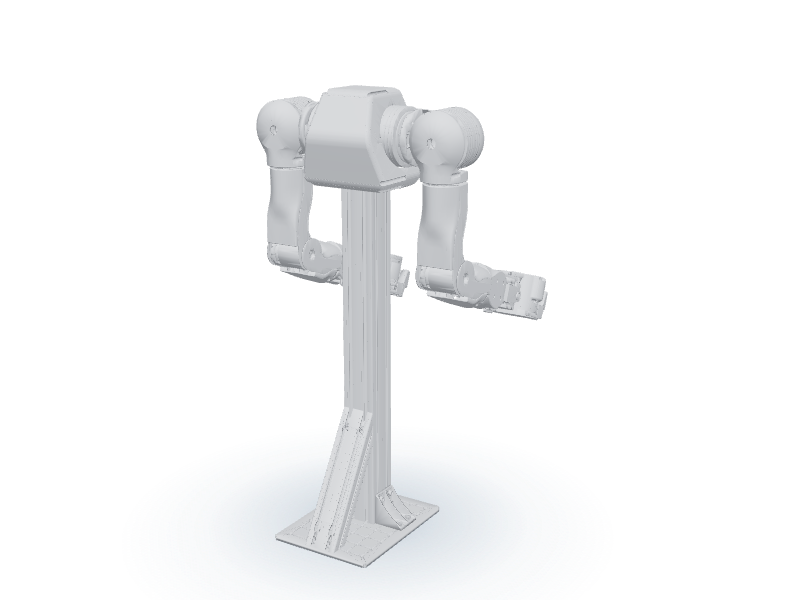
A robot with arms (UR5, SO-101, OpenArm, G1, TIAGo++) can be operated by moving its hand.

HOW TO USE

Just point and confirm

The flow is the same on every device. Only how you point and how you confirm differ.

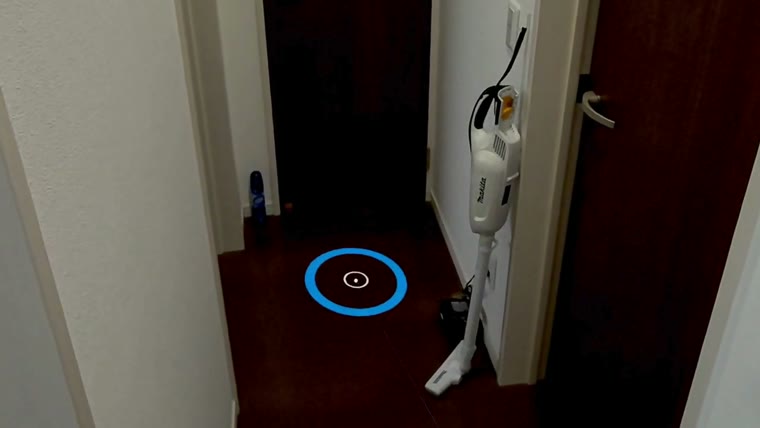
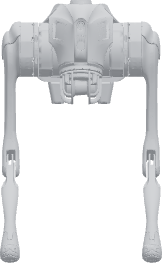
  1. A blue ring on the floor1

    Point at the floor

    A blue ring appears where you want to place a robot

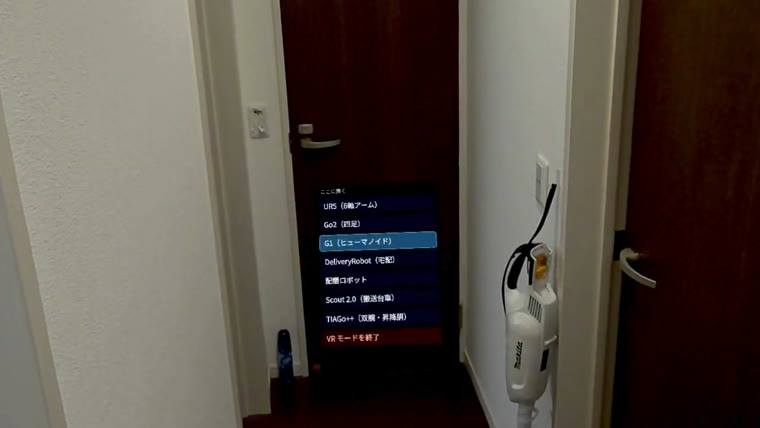
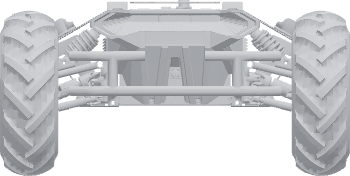
  2. The list of models2

    Choose a robot

    Choose β€œPlace”, then pick from humanoids, quadrupeds, arms and AMRs

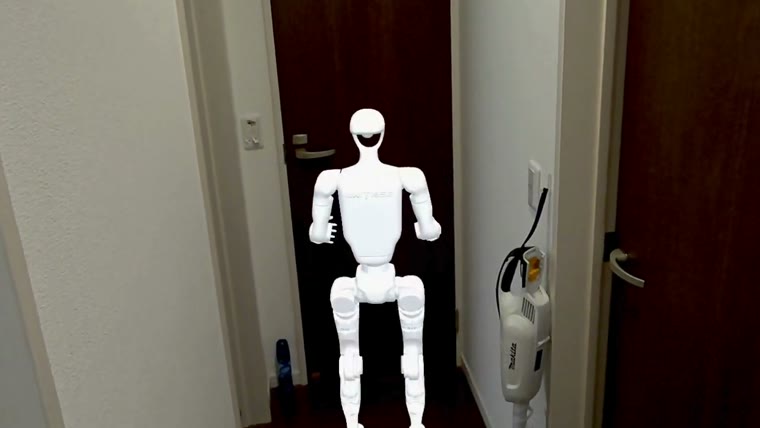
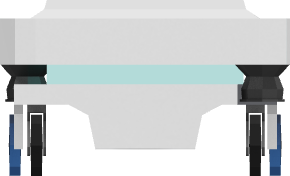
  3. A robot standing at real size3

    Place it

    It stands there at real size

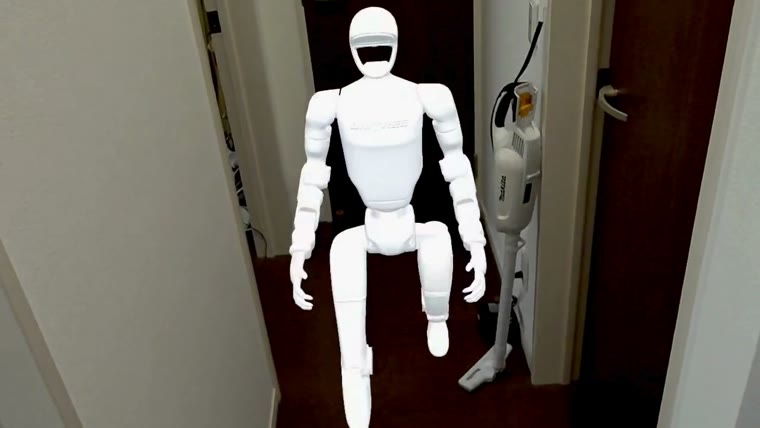
  4. A robot walking4

    Move it

    Select the robot you placed and point at the floor. It walks there
See the full guide

ROBOT CATALOG

Which one will you place?

The row below shows the nine models in front view at the same scale. Read it as the difference between them side by side, not as numbers.

0.5m
1m
1.5m
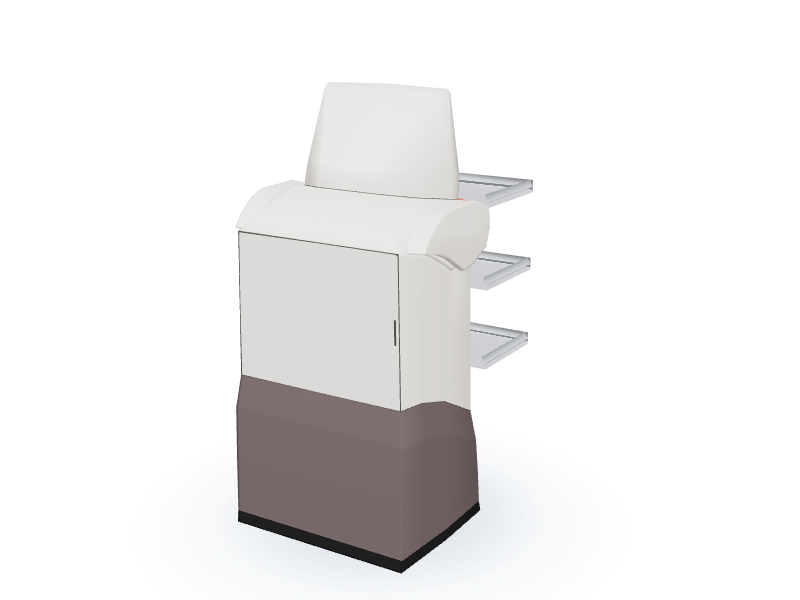
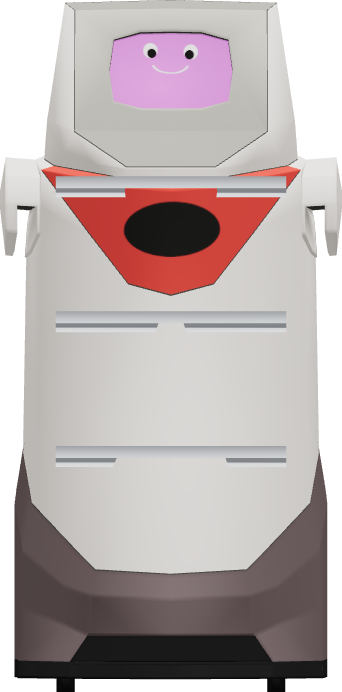
Front elevation of the serving robot
Serving robot1385mm
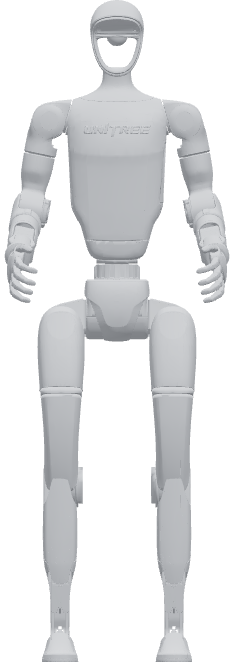
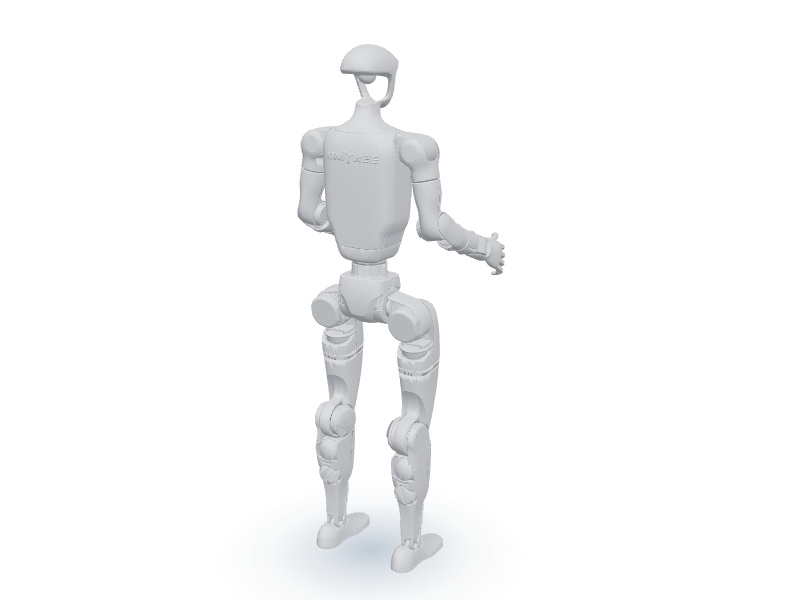
Front elevation of the G1
G11323mm
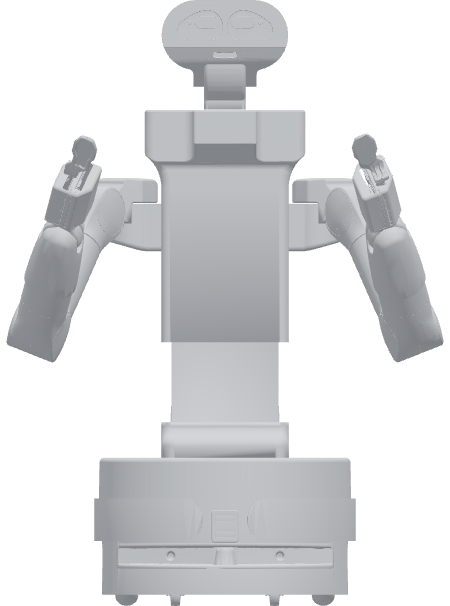
Front elevation of the TIAGo++
TIAGo++1212mm
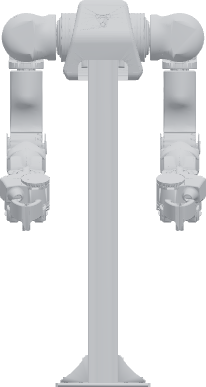
Front elevation of the OpenArm
OpenArm774mm
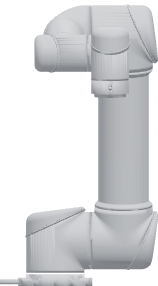
Front elevation of the UR5
UR5571mm
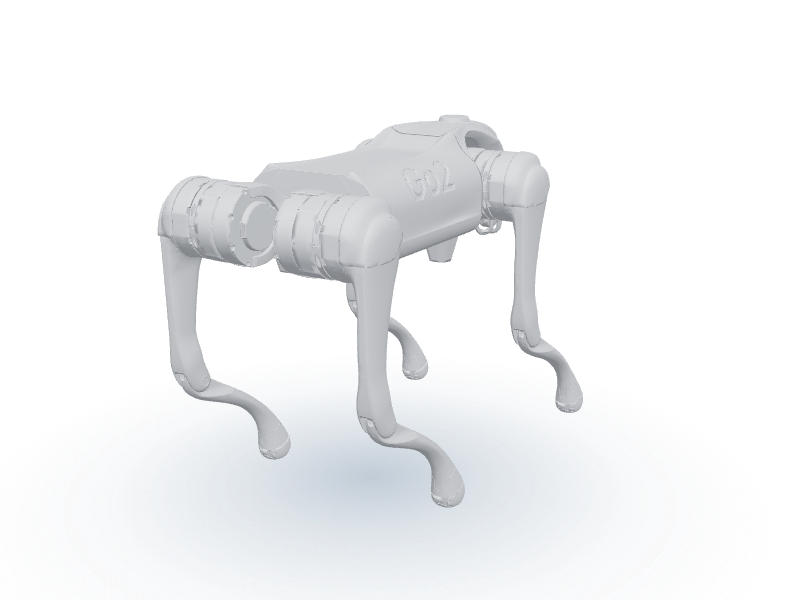
Front elevation of the Go2
Go2538mm
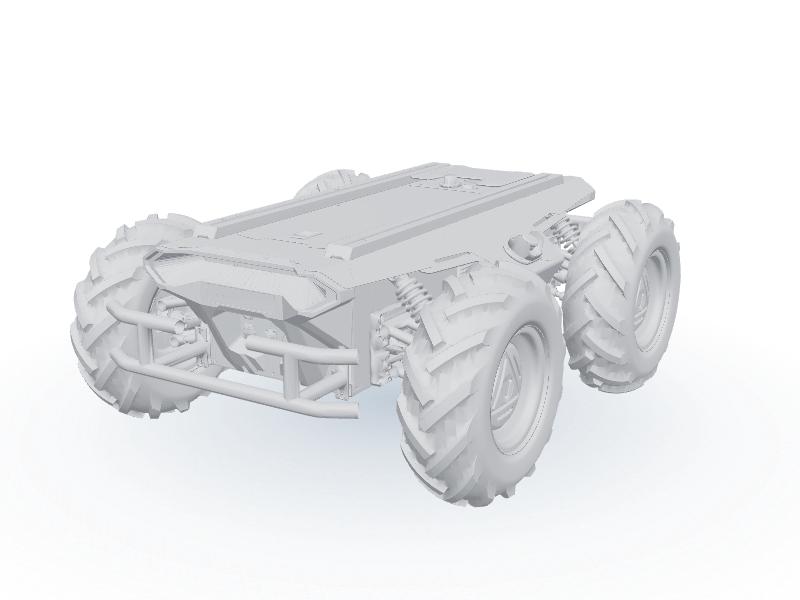
Front elevation of the Scout 2.0
Scout 2.0352mm
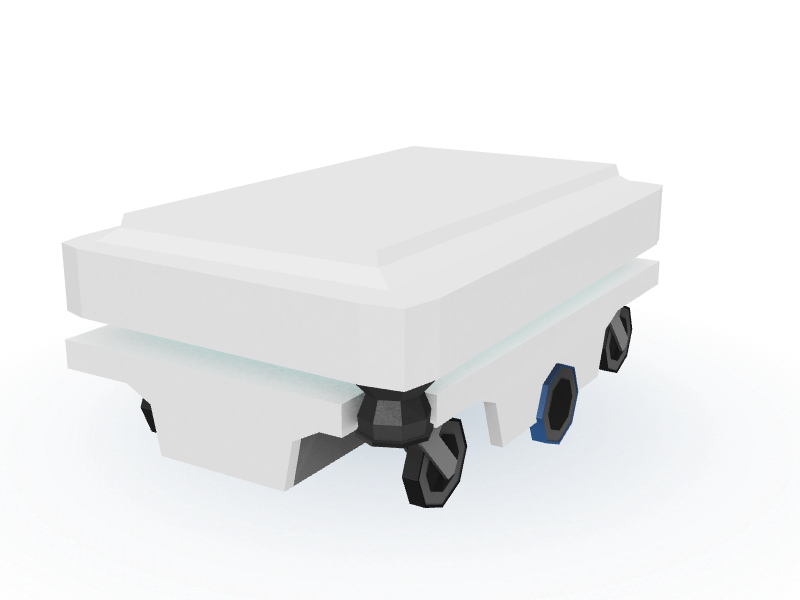
Front elevation of the DeliveryRobot
DeliveryRobot353mm
Front elevation of the SO-101
SO-101225mm

You can scroll sideways. The sizes are not the catalogue figures: they are measured on the placed model itself in its initial pose.

Dual-arm AMR with a lifting torso

TIAGo++

Size
968 Γ— 900 Γ— 1212mm
Can
Drive, move both arms, extend the torso
Try this robot

Size is length Γ— width Γ— height, measured on the model (initial pose).

USE CASE

Where would you place one?

See a future with robots first, in real space

FOR ROBOT MAKERS

Take your robot to sites around the world

Physical Sandbox is looking for robots to list. As a WebXR-ready virtual model, your robot can be placed by users in their own factory, warehouse or shop to try it out.

Basic listing free

What we ask of the maker

  • A 3D model, URDF or similar
  • Permission to use it in Physical Sandbox
  • Product information, if needed

What Physical Sandbox does

  • Adjusting the model for WebXR
  • Listing it in the Sandbox
  • A Virtual Trial experience
  • A link to your official product page
Ask about listing

CONTACT

Contact us

We take questions about adopting robots, about listing a robot from makers, and anything else.

OPEN SOURCE & ATTRIBUTION

Credits and licences

Physical Sandbox uses robot models and other material released as open source, under the terms of each licence.

See credits and licences (Japanese)

Product names and trademarks are used only to identify the products and sources. Unless stated otherwise, they do not mean that a maker endorses, partners with or recommends Physical Sandbox.

START

Place a robot first

Choose a robot and bring it into the space you are in now.
Try it free from a smartphone, a tablet, a PC or a VR headset.

Try Physical Sandbox

Robot makers β†’ About listing